How To Install JDK on Windows
How to install JDK on Windows? I have "jdk-7u5-windows-i586.exe" download on my desktop.
✍: FYIcenter.com
 If you have "jdk-7u5-windows-i586.exe" ready, installing it is straightforward.
1. Double-click on "jdk-7u5-windows-i586.exe" to start the installation setup tool.
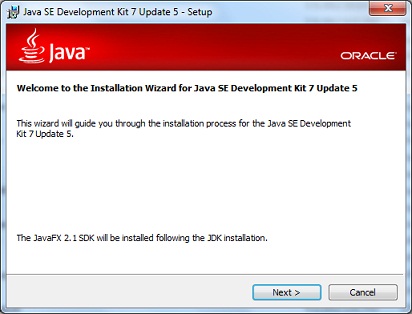
2. Click the "Next" button to review the installation custom settings. Keep the default installation folder at "C:\Program Files\Java\jdk1.7.0_05\".
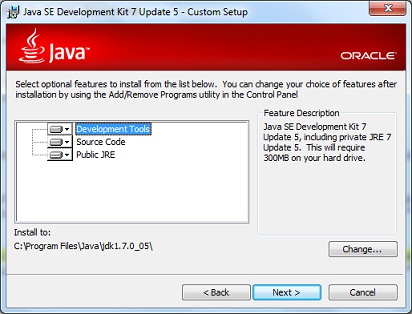
3. Click the "Next" button to start the installation of JDK.
4. Click the "Next" button to when it asks for installing JRE.
5. Click the "Next" button to when it asks for installing JavaFX SDK.
6. Close the installation setup tool when everything is done.
⇒ Managing Certificates with Java Keytool
⇐ How To Download JDK for Windows
2012-07-19, ≈11🔥, 0💬

